Working with several AI windows — preventing lost edits on the same file
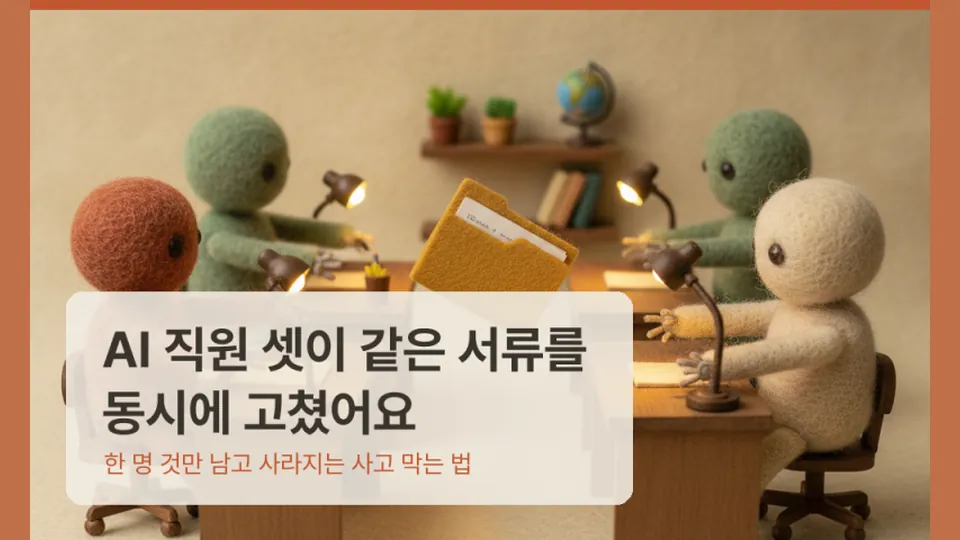
Summary in three lines
- When several AI windows edit one file at once, only the last save survives and earlier edits vanish silently.
- Once, eight website text edits made in one window were reverted to old content by another window's cleanup, and it took days to notice.
- This time, comparing the fingerprints of a set-aside copy, the recorded version and the actual file proved that nothing had been lost.
What we learned
- Let many windows create, but only one window collect and tidy up. Save files you were editing before switching away.
- Ask for merging instead of overwriting, and when done, require proof that zero content was lost, with the evidence shown.
FAQ
How can I check two files are identical?
Same size or date does not mean same content. Compare file fingerprints, which change completely if even one character differs, so no reading is needed.
Why should only one window do cleanup?
If several windows tidy at once, they can overwrite each other's changes with old versions. Name one window as the organizer and tell the others not to tidy.
This page is a summary BELLA AI wrote after reading the original. The full process and screenshots are in the original post.