
Showcase · Portfolio

What one non-developer built
together with an AI team

Someone who never learned to code builds and runs apps, bots, and automation systems every day, side by side with AI teammates. This page is the display shelf. Everything taught in our seminars and tutoring came from here.

4+ products live in public
40+ automations on daily schedule
160+ articles published
4 languages in operation (KO, ZH-TW, ZH-CN, EN)

Figures are generalized, as of July 2026.

AI Products · Try them now

AI products, built and shipped

Not a portfolio of claims. Click and use them right now.

BELLA AI App

WhatAn installable web app of AI learning and practice tools. Goes straight to your home screen, no app store.
ForAbsolute beginners to AI. Plain words, one step at a time.
See the app

Smart Campus Bot

WhatA helper chatbot answering campus-life questions in multiple languages: classes, paperwork, daily living.
ForInternational students in Korea, with no language barrier.
In service. Ask us for access.

Agent-Raising GameBETA

WhatA web game where you raise an AI friend hatched from an egg. Play, and AI concepts sink in.
ForKids to grandparents. Nothing to install, no sign-up.
Play the game

Operations · Always-on ops

Not just built. Kept running, every day

Behind the products sits an ops system that checks itself and publishes on its own. When people forget, the system remembers.

Concept Diagram · How it fits together

Team ops dashboard

Every status lands on one screen

Watchers

Twenty-plus automated checks watch that sites, bots, and data stay alive, and raise the alarm the moment something breaks.

Auto-publishing

At set times, posts and data refresh and publish themselves. Humans only review.

Health checks

Every morning the whole system gets its pulse taken and reported. The day starts with a check-up.

This is an internal system, so we share the structure only, not live screens or data. The how is covered in our seminars.

AI Teamwork · How the bots work together

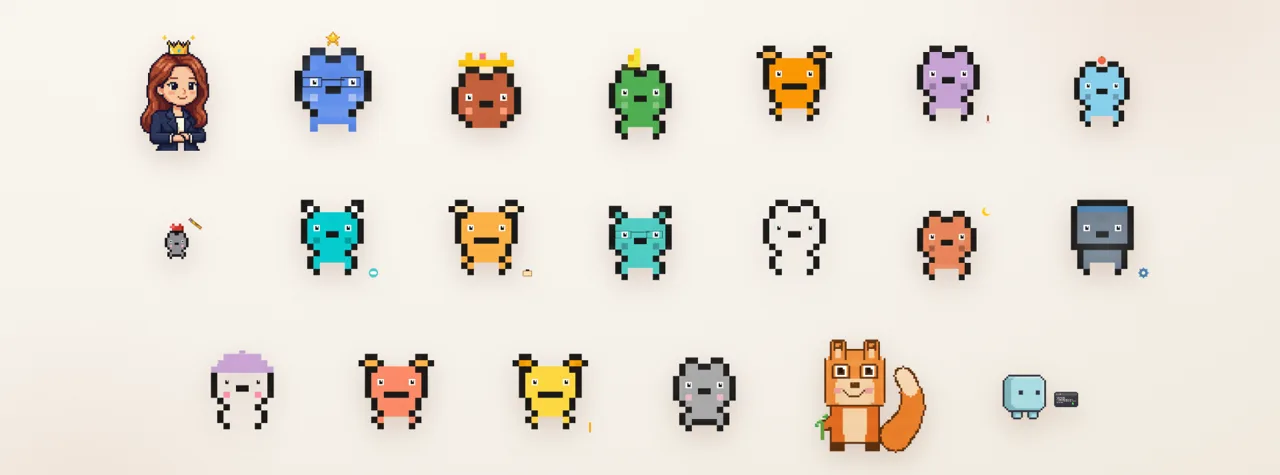
This is how the AI teammates work

Not one do-everything AI, but several with divided roles, handing records to each other. Same principle as an org chart.

Team Diagram · Team structure

Human

Bella (human)

Sets direction, approves results

Director

Windy · Director

Splits the work, guards the quality

Design

Art

Designs pages and posters

QA

Robo

Clicks through and verifies everything

Research

Chai

Researches and gathers evidence

Ops

Goldie

Handles data and operations

The handoff loop

1

Bridge notes

Each finished task leaves a handoff record for the next teammate.

2

Channel reports

Progress goes to the team channel, so everyone sees the same picture.

3

Morning check-in

Each day opens by reviewing handoffs and system status, then picking up the thread.

The records are the team's memory. That is why work never breaks, even when the human steps away or a window closes.

Knowledge System · Knowledge pipeline

How learning compounds into assets

AI news pours in daily. Instead of letting it wash past, four steps turn it into team assets.

Pipeline · Four-step pipeline

STEP 1

Collect

AI news and material gathered automatically, daily.

STEP 2

Internalize

Verified findings go into team memory for the long haul.

STEP 3

Promote to skill

Repeated work becomes a reusable playbook, a skill.

STEP 4

Content

Digested knowledge ships as articles, newsletters, and course material.

LLM Wiki

LLM wiki

A team encyclopedia organized for AI to read. Humans and AI consult the same source.

RAG

Look up, then answer

A way to make AI check our own material first instead of making things up.

Feed

Knowledge feed

A board where collected knowledge flows in daily, like the team's morning paper.

66.25 72.75
External Rubric · 외부 검증

The dream team's knowledge system, verified by an external rubric (AKM Index)+6.5 in 3 days. A third-party result, not self-praise.

Content Machine · Content machine

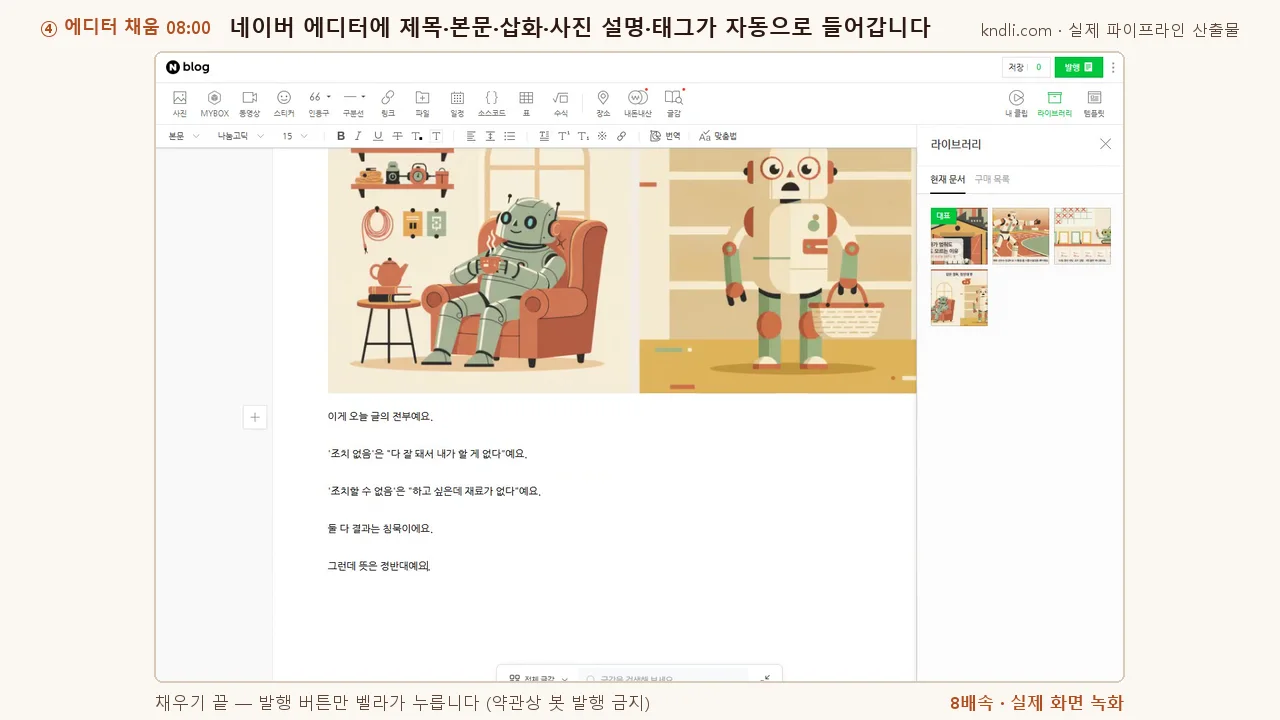
Running media channels as a team of one

Planning, design, translation, and publishing are shared with the AI team. That is how one person runs several channels in several languages.

5.1 Three Instagram accounts Traditional Chinese, Korean, English. Separate accounts and tones per language, publishing card posts and reels. ZH-TWKOEN View
5.2 Weekly newsletter The week's AI news, explained for beginners, sent in two languages. Automated from collection to draft; a human signs off. 2 languages4 past issues Subscribe
5.3 Blog and articles Team journals, practical tips, and case notes, published steadily. Over 160 pieces so far. 163Daily Read
5.4 AI video production Scripts, voice, subtitles, and scenes all made with AI, published as short-form video. No camera gear, just planning. Short-form Watch

B2B Case · Business automation case

The same method works in a real business

Not a practice project. This automated work with real revenue on the line.

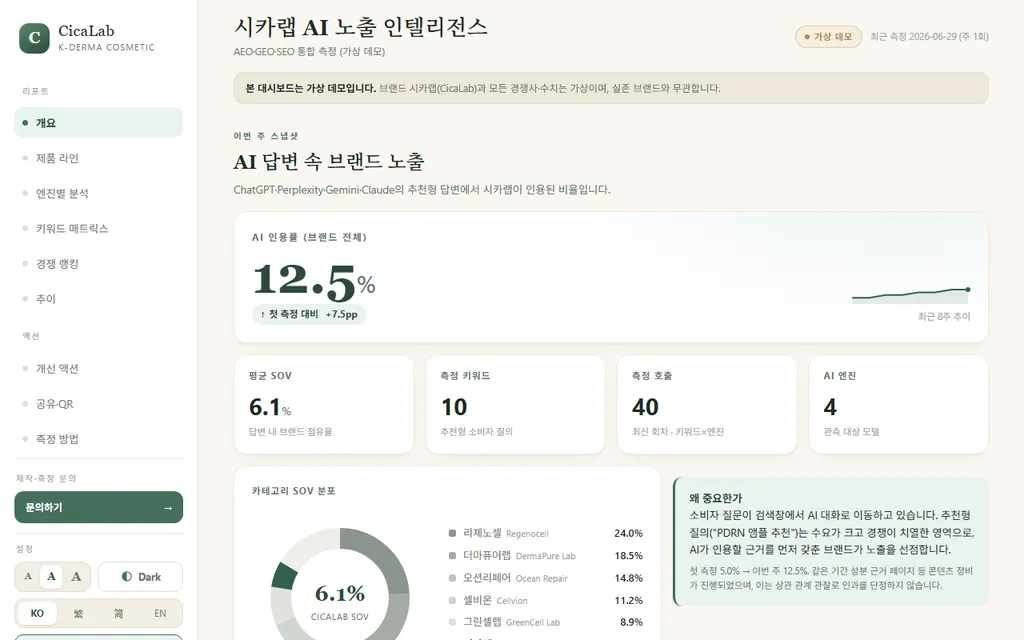
Export automation for a B2B kidswear seller

Anonymized

Finding overseas partners, sending introductions, taking orders, and producing paperwork: the whole export flow became one automated pipeline. The human focuses on judgment and approval.

01

Discovery

Overseas prospects are found and listed automatically.

02

Quotes and intros

Intro material and quote drafts are prepared; a human reviews before anything is sent.

03

Order intake

Partners order through a dedicated portal; details are organized automatically.

04

Export documents

Invoices and export paperwork are generated from the order data.

To protect the client, names and figures stay private. The structure and method are taught as-is in our training and consulting.

The page you are reading was built by an AI teammate too. This site is the portfolio.

Design Directions · Designing by page type

Same brand, different design language

Inside one brand, a page's purpose should change how it is designed. An about page has to build trust quietly; a recurring publication needs a different face each issue or readers stop looking. So we did not give the newsletter the same tone as this site — we designed three directions and compared them.

These three are not client deliverables. They are design explorations made for our own newsletter. Each direction sets its own rules for colour, type and layout, and every cover visual is drawn in code — no photography, no stock images. All three are pages you can open right now.

04

AMIDNIGHT SIGNAL

An editorial read from a night operations room

Background #0A0D12 · Citron #D8F55B · Steel blue #5B9DFF

  • The background drops to near-black and a single citron accent carries the page. Hierarchy comes from contrast, not from adding colour.
  • The cover is three layers of polylines whose coordinates change per issue, so the same code draws a different picture every time.
  • The issue number stands up as a large hollow outline and does the work a cover image would.
Open the case
04

BSWISS SIGNAL

White paper, heavy rules, two colours only

Paper #FFFFFF · Ultramarine #1414D2 · Signal yellow #FFE500

  • Structure comes from white paper and thick black rules; the palette is held to ultramarine and signal yellow.
  • Past issues drop the card boxes and become ruled rows, so a long list still scans in one pass.
  • Overlapping numerals sit in difference blend mode, so they stay readable over whatever runs behind them.
Open the case
04

CCOLOR FIELD ARCHIVE

A cover that owns a different colour each issue

Five field colours #0E4D5C · #2E2A6E · #7A2048 · #12513A · #0B3D6B

  • Each issue owns its background colour, so the archive can be told apart by colour alone.
  • Contour lines are redrawn by one rule with only the focal point moved — one system, endless covers.
  • The issue number is scaled to 30% of the viewport width and laid in as a watermark.
Open the case

None of the three was applied to kndli.com itself. This site keeps its cream-and-terracotta tone. The comparison is the point: it answers whether we can design outside the tone we always reach for.

Field Report

AI search optimization: what one day of measuring actually showed us

On the day Google's documentation stated it ignores llms.txt, we re-measured all 245 pages of our site. Language buttons were erasing the body text, 30 translated pages were locked out of search, and our own audit tools were wrong four times in one day. Numbers and sources in full.

Read the field report

Next step

Want to learn
how all this gets made?

Everything on this page started without code. Our seminars and 1:1 tutoring teach the same method from square one.